How CRM Integration Reshapes Your Sales Process
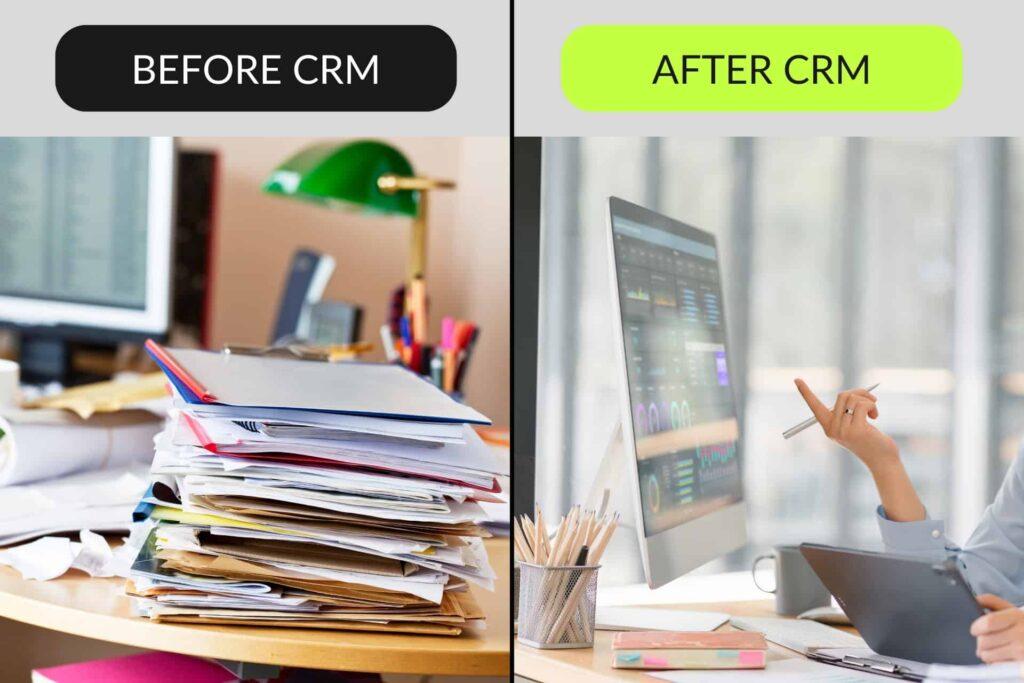
Most businesses still run their customer relationships on a patchwork of spreadsheets, Outlook threads, and whatever someone remembers from last week's call. It works fine at ten customers. It breaks badly somewhere around fifty. A CRM fixes that, but only if it's integrated properly with the rest of your stack. That's the part most implementations get wrong.
What a CRM Actually Is
Strip away the marketing and a CRM is one thing: a central record of every interaction between your business and someone who might eventually pay you. Who called, on what day, about what, what you quoted, whether they signed, what broke afterward. That's the foundation. The useful part is what sits on top, the workflows that nudge your team, the reports that tell you where deals leak, and the automations that run while everyone's asleep.
The difference between a CRM that helps and a CRM that becomes another chore usually comes down to integration. A standalone CRM just turns into another inbox to check.
Lead Tracking That Doesn't Lie to You
A visual pipeline is the most obvious CRM feature, and it's the one people think they want. What they actually need is honest reporting. The kind that surfaces the real bottleneck, not where it feels like the bottleneck is.
A well-configured pipeline answers four questions without anyone having to export a spreadsheet:
- How many leads came in this month, and from where
- Which stage is quietly killing 40% of deals (usually the one nobody looks at)
- Which rep closes fastest, and what their day actually looks like
- Your average lead-to-close time, broken down by deal size
The practical gotcha: once your deal count is in the thousands, a poorly-built CRM starts feeling slow. Lists take seconds to load, filters lag, and the sales team stops opening the app. The fix is usually a few minutes of work that any decent team handles up front. If your CRM gets slower every month and nobody has been touching it, that's the signal.

The Follow-Up Problem
On client audits, we typically see sales teams stop following up after the second or third try. The deals that actually close usually took five to seven touches. That gap is the opportunity.
Automation doesn't replace follow-ups. It catches the ones humans drop. A CRM tied into your email can send a thank-you note the moment a meeting ends, nudge the rep when three days pass without a reply, and trigger a nurture sequence when a proposal goes quiet for two weeks. None of this is glamorous. All of it compounds.
The failure mode to watch for: some CRM setups send those emails in the same click that saves a contact, so "save contact" takes a couple of seconds every time. Sales reps who have to wait on the app stop using the app. It's fixable in minutes by anyone who knows what they're doing, and we still see it in production all the time.
Reporting You Can Act On
Reports fall into two buckets. The first is operational: activity counts, this-week pipeline value, meetings booked. The second is diagnostic: revenue forecasts based on historical close rates, conversion funnels that flag which stage is leaking, customer lifetime value per segment.
Building the diagnostic ones well is where off-the-shelf CRMs start to pinch. Simple forecasts multiply pipeline value by stage probability. They miss the reality that a 6-month-old deal still sitting at 50% probability is closer to 10%. Once your data is yours, you can build a weighted forecast that actually reflects your business instead of a generic template. And the reports that scan months of activity stay fast even when your deal history is in the millions, because the right engineering assumptions were made up front.
Custom CRM vs Off-the-Shelf: An Honest Take
Salesforce, HubSpot, Pipedrive. They're real products, built by large teams, and for plenty of businesses they're the correct answer. We'll say that up front, because most articles written by agencies won't.
The trade-offs start to matter when your team grows past fifteen users and your process gets specific. Per-user pricing scales linearly. Salesforce's Enterprise tier lands around 165 EUR per user per month at list price, and that's before add-ons. You're also paying for a UI stuffed with features you'll never use, built around a sales methodology that may or may not be yours. And the data sits on someone else's infrastructure, which matters more in the EU than almost anywhere else. Our GDPR compliance checklist covers why US-hosted CRMs can turn into a paperwork-heavy problem.
A custom build flips all of that. You pay once to build, then hosting. You shape the tool to your sales process, not the other way around. The data lives wherever you decide. The catch is honest: it's a six-to-twelve-month project, not a weekend, and it only makes sense when your process is stable enough to codify. If you're still figuring out how you sell, use HubSpot.
What we saw on a Baltic logistics client
We built a custom CRM for a Baltic freight forwarder running an e-commerce storefront for their retail arm and a separate accounting platform for operations. Before: sales reps tracked shipping quotes in a shared Excel file with 14 tabs, and the lead-to-quote turnaround averaged 38 hours. We connected the CRM to their customer database, pulled live pricing from their freight rate engine, and sent won deals straight into their accounting system. Six months after launch, average quote turnaround sat under four hours, and the sales lead stopped asking for headcount.
Why a Custom Build Can Work Out Cheaper
We build most of our CRMs on Laravel, a mature open-source web stack that runs a large share of the business internet. Not because it's fashionable. Because it lets us ship what the client asked for without paying a licence fee for every user you add next year.
What that means for you in practice: the team sees a CRM that matches your sales process, not a generic one. Reports are instant because they're designed around your data. New integrations get added when you need them, not when a vendor ships them. And the monthly cost is the cost of running a server, not the cost of counting logins.
For the longer argument on why a custom internal tool beats a rented one once the numbers get serious, we made it in the custom ERP piece.
Integrations That Earn Their Keep
A CRM without integrations is a glorified spreadsheet. The ones that actually pay off, in our experience:
- Email sync with Gmail or Outlook so every thread auto-logs against the contact. Nobody copy-pastes. Nobody misses context.
- Calendar sync for meetings. Also catches the moment a prospect accepts an invite, so the follow-up automation can kick in.
- Accounting link: invoices tied to deals, so closed-won isn't just a status but a number your finance team can reconcile.
- E-commerce stitch so lead-to-buyer flows are visible. Nobody should be asking a repeat customer whether they've bought from you before.
- Phone system capture for call logs. This is the one most teams skip and later wish they hadn't.
What the Numbers Say
Salesforce's own research puts the average revenue bump from CRM adoption at 29%, with 34% gains in sales productivity and 42% better forecast accuracy. Those figures come from companies that actually finished their rollout and kept using the thing, which is worth flagging. The one we care about more in audits: teams that add automated follow-up see lead conversion climb somewhere between 50% and 300%, depending on how bad their baseline follow-up discipline was. Smaller organizations see bigger gains because they had further to climb.
The Real Decision
Pick the CRM your process can actually grow into. Off-the-shelf is the right answer when you're still figuring out how you sell, when you need to be running inside a week, and when your team lives comfortably inside 12 users. Custom starts to pay off when your process is stable enough to codify, when per-user pricing becomes real money, or when data residency is something your lawyers care about. Neither path is universally correct, and anyone who tells you otherwise is selling you something.
If you want to talk through which direction fits, our Laravel and ERP work is where most of these conversations start.