5 Signs Your WordPress Site Needs Professional Help
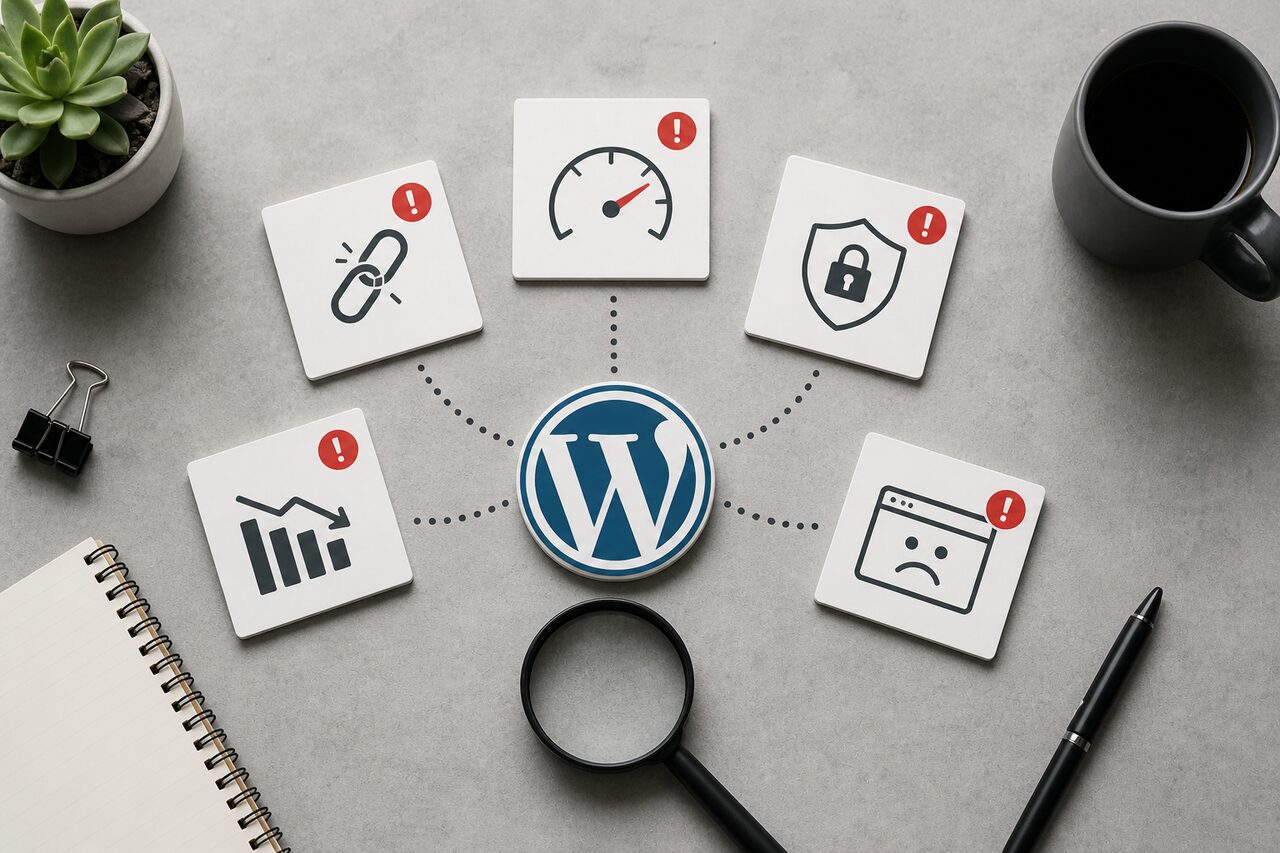
When a WordPress site comes to us in trouble, the cause is almost never the code we end up rewriting. It's the maintenance pattern that should have caught the problem two years earlier. Most of the sites we see have been "managed" by someone who handled updates when they remembered to, ran updates without staging, and treated the hosting as an afterthought. By the time there's a visible problem, there are usually four or five underlying problems. Here are the five signs that tell us a site has crossed from self-manageable into professional-help territory.
1. Load Times That Have Quietly Crept Past Three Seconds
Page speed matters for both user experience and search rankings, but what we notice on slower WordPress sites isn't usually a single catastrophic cause. It's a compounding pile of small decisions. Unoptimized images are almost always present: large PNGs or JPEGs that were never compressed or converted to WebP. But the images alone rarely account for the full picture. Plugin sprawl is usually the second layer. A site that's accumulated 30+ active plugins over five years generates a surprising number of database queries per page load, even when individual plugins seem lightweight.
The third layer, and the one clients often resist addressing, is hosting. A shared host that made sense at launch often can't handle real traffic as the site grows. We moved one client from shared hosting to a Contabo VPS (4 vCPU, 8 GB RAM, Nginx + PHP 8.3-FPM) and watched Time to First Byte drop from 1.8 seconds to 180ms before we touched a single image. Adding Nginx FastCGI caching with a 1-hour TTL for static pages then brought Lighthouse Performance scores from the low 40s to the high 80s, without touching a line of theme code.
If the Lighthouse score on your homepage is below 60 on mobile, that's the threshold where we typically recommend a proper audit before doing anything else. Our IT Consulting service starts with performance diagnostics so you know what you're actually dealing with.
2. Security Warnings That Didn't Start Overnight
WordPress is the most targeted CMS on the web. Outdated core files, themes, and plugins create entry points, and attackers are automated enough that a known vulnerability in a popular plugin gets probed within hours of disclosure. If your hosting provider has sent warnings, if you've noticed unfamiliar admin accounts, or if you've found PHP files in wp-content that nobody put there, your site may already be compromised, not just at risk.
A proper response isn't just running a malware scanner and hoping. It involves auditing access logs, patching what's patchable, removing what isn't, implementing a web application firewall, and setting up automated monitoring so the next issue surfaces before it causes damage. Our WordPress Development service covers security hardening as part of every engagement, not as an add-on.
3. Plugins Breaking After Every Update Cycle
A plugin conflict that crashes checkout, disables the contact form, or takes down the nav menu is the most common "emergency" call we get. It's also almost always preventable. The reason it happens is that there's no staging environment. Updates get applied directly to production, and the test is whether real visitors can still check out.
Professionals use staging to run updates before they touch production. They also know when a third-party plugin is doing something unreliable enough to replace with a lightweight custom solution. We've done exactly this on several WooCommerce projects where a single buggy checkout plugin was causing abandoned carts every update cycle. Replacing it with a leaner custom function took two days and never broke again.
4. A PHP Version the Host Is About to Force-Upgrade
Running PHP below 8.1 in 2026 means missing significant performance improvements and, more critically, security patches for known exploits that are actively in use. PHP 7.4 has been end-of-life since December 2022. End-of-life doesn't mean "runs slower." It means vulnerabilities discovered after that date don't get fixed.
The problem isn't flipping the version switch. Plugins and themes relying on deprecated functions will break on upgrade, and sometimes the break is silent rather than obvious (wrong output, wrong calculations, no error). A proper upgrade path means auditing the full codebase for compatibility first, then updating or replacing anything incompatible. We typically see 20-30% speed improvements after a well-managed PHP upgrade, not from PHP itself, but from replacing legacy code that was running inefficiently on the older version.
The Audit That Showed Us What "Stuck on 7.4" Really Means
A Latvian professional services firm came to us with a WordPress site frozen on PHP 7.4. Their host was threatening to force-upgrade, which would have broken three custom plugins they used daily. We audited all three, rewrote two for PHP 8.2 compatibility, and replaced the third with a lighter custom solution that did the same job without the fragility. The PHP upgrade executed with zero downtime. Page generation time dropped from 680ms to 290ms on the same server hardware, purely from the runtime improvement and removing the dead weight.
5. A Mobile Layout That Nobody Tested on an Actual Phone
Over 60% of web traffic now comes from mobile devices, and Google's Core Web Vitals scoring treats mobile performance as the primary signal for ranking. A "responsive" theme doesn't automatically mean a good mobile experience. Text that's technically readable at 12px, tap targets smaller than 44px, navigation that collapses but becomes unusable, images that load full-size and get scaled down in CSS: these are all signs that the mobile experience was designed in a browser dev tool and never tested on a real device with a real connection.
True mobile optimization means rethinking navigation patterns, implementing lazy loading, testing Largest Contentful Paint on 3G rather than fast wifi, and verifying that Core Web Vitals pass on mobile specifically. Desktop and mobile Lighthouse scores diverge more than most clients expect. If your desktop score is 85 and your mobile score is 41, that's a gap we see regularly on sites built with heavy page builders.
Any of these signs by themselves is manageable. What makes professional help necessary is when they compound. A slow site with outdated PHP, plugin conflicts, no security monitoring, and a broken mobile layout isn't a maintenance problem. It's technical debt that grows the longer you wait. Our WordPress Development team typically starts with a diagnostic audit so you understand exactly what you're dealing with before committing to a larger project. If you run WooCommerce, our guide on speeding up your e-commerce store covers specific optimization techniques that apply directly to the stack.